
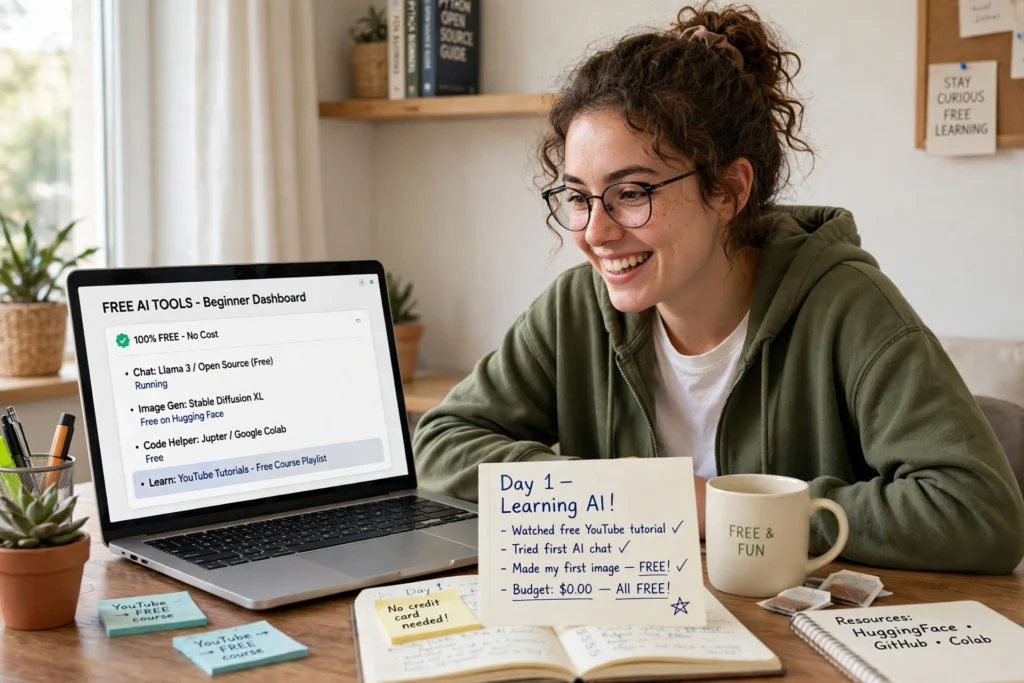
Free AI tools for beginners make it easy to start without spending anything. This guide to free AI tools for beginners shows which tools are worth your time first. If you are exploring AI tools for beginners, use the free AI tools for beginners below to build a simple starter stack.
You Don’t Need to Pay to Start
The best way to learn AI is to use it — and you don’t need a paid subscription to do that. Many of the best tools offer genuinely useful free tiers: enough for everyday writing, research, design, and video.
The catch: “free” means different things. Some tools give unlimited access to a simpler model; others give a fixed number of uses per day or month. Free plans change often, so always check the tool’s own website before depending on a specific limit. The guide below focuses on what each tool is best for, not on quotas that may change next month.
The 7 Free Tools Worth Starting With
- ChatGPT — your all-round assistant
Best for: writing, brainstorming, learning, first drafts. The chat-style interface makes it the easiest starting point: ask a question, get an answer, refine it. Use it for emails, outlines, captions, and explaining difficult topics simply.
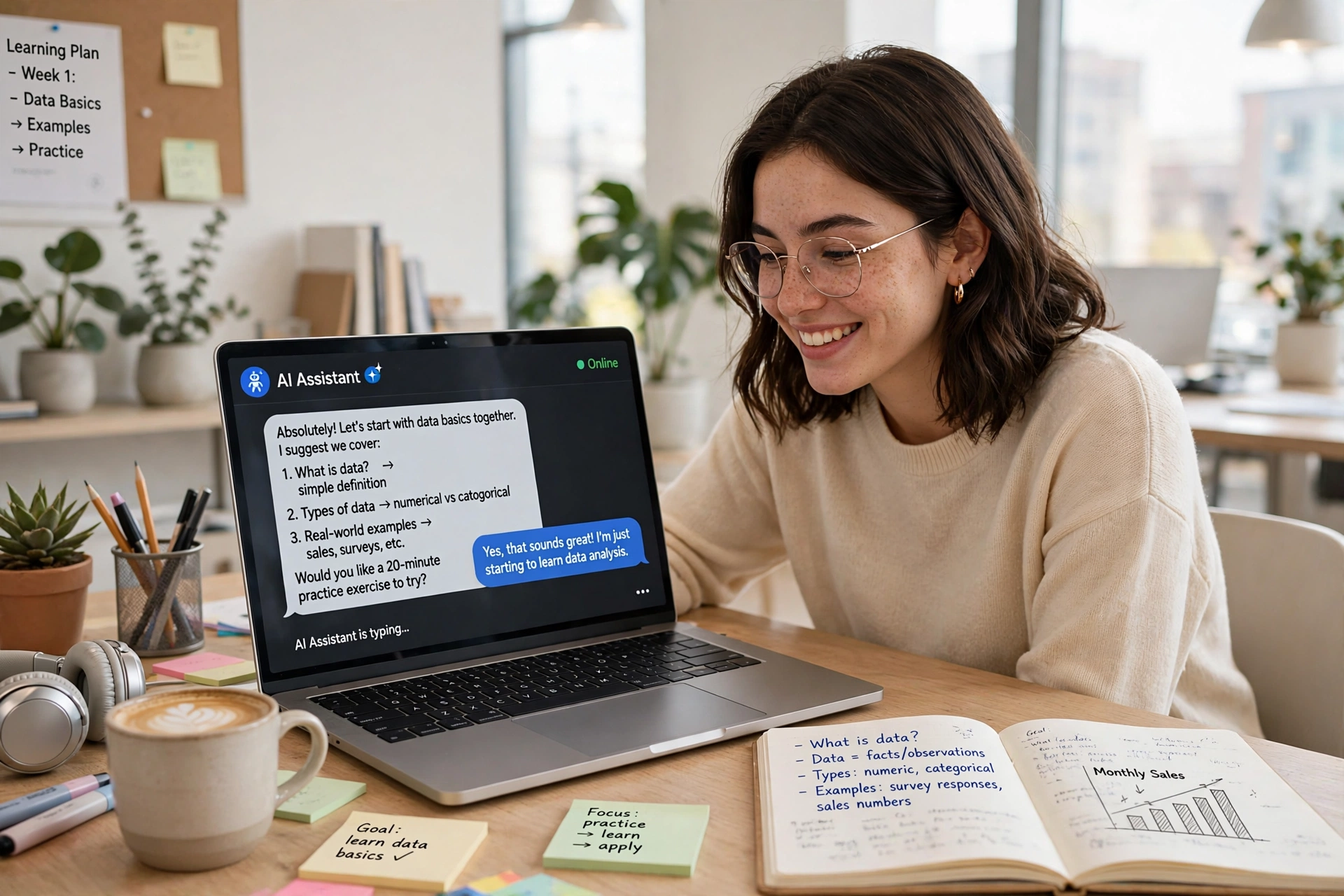
- Google Gemini — best if you live in Google
Best for: research and everyday productivity, especially if you already use Gmail and Google Docs. Its strength is fitting into the Google tools you already know. - Claude — best for long writing
Best for: longer documents, summaries, and careful writing. If ChatGPT’s answers feel rushed, try Claude for the pieces that matter — it tends to produce more polished, natural-sounding text. - Perplexity — best for research with sources
Best for: questions where you need to check the answer. Perplexity searches the web and shows its sources, so you can verify claims instead of trusting them blindly. Use it when accuracy matters. - Canva — best for design without design skills
Best for: social graphics, thumbnails, presentations, and simple images. Drag-and-drop templates plus AI features mean you can make something good-looking in minutes, even with zero design experience.

- Grammarly — best for polishing your writing
Best for: spelling, grammar, and clearer sentences. It works across your writing — emails, documents, messages — and catches the mistakes you stop noticing in your own text. - CapCut — best for short video
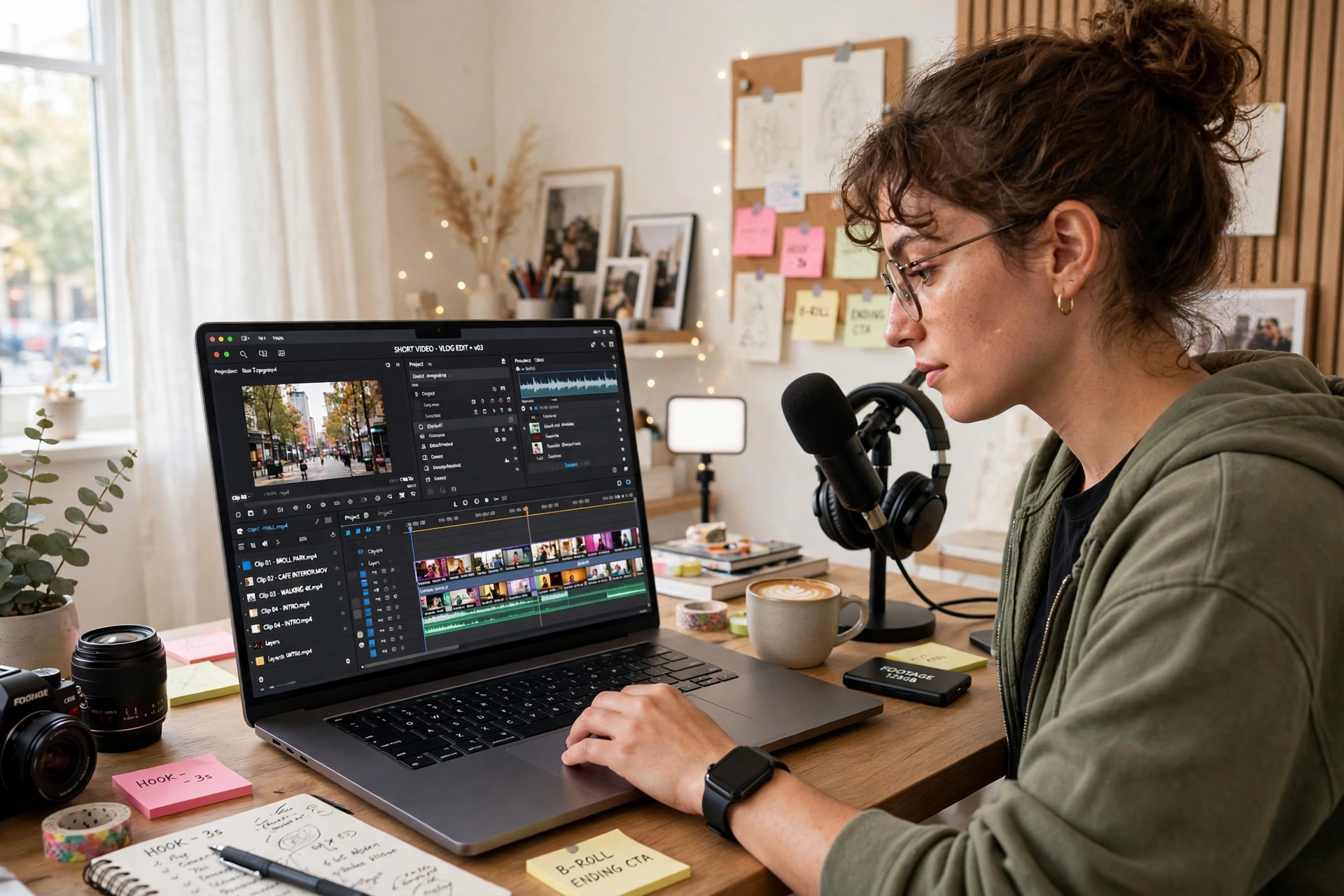
Best for: editing short videos for TikTok, Reels, and Shorts. Free auto-captions, templates, and effects cover most of what a beginner needs; some advanced items sit behind a Pro plan.
Build Your Starter Stack (Don’t Install Everything)
Start with three, not seven:
- One chatbot — ChatGPT or Gemini for everyday questions and drafts.
- Canva — for anything visual.
- Grammarly — for polishing everything you write.
Add Perplexity when you need sourced research, Claude when a piece of writing really matters, and CapCut when you start making video. When you consistently hit one tool’s free limits, that’s your signal a paid upgrade might be worth it — for most beginners, that moment takes a while to arrive.
5 Beginner Tips for Free AI Tools
- Start with one bottleneck. Pick the task that eats most of your time — writing, research, or design — and master one tool for it before adding more.
- Test tools on the same task. Ask each chatbot the same question and compare. You’ll quickly feel which one suits you.
- Batch your tasks. Group similar work together instead of making small requests all day — free limits feel much more spacious that way.
- Keep prompts short and specific. A role, a task, and a format beat a long, vague request every time.
- Check the answer, especially numbers. Free tools can be confidently wrong. Verify anything important before you publish or send it.
When Should You Pay?
Pay when a free limit is genuinely blocking your work — not before. Signs it’s time: you hit the same limit every week, you need higher-quality output daily, or a paid feature saves you real hours. Until then, the free stack above covers almost everything a beginner needs.
Final Thoughts
Free AI tools for beginners are more than enough to start: one chatbot, one design tool, and one writing polisher cover most daily tasks. Start small, learn one tool well, and expand only when you feel a real limit. That’s how you get the benefits of AI without spending anything.