
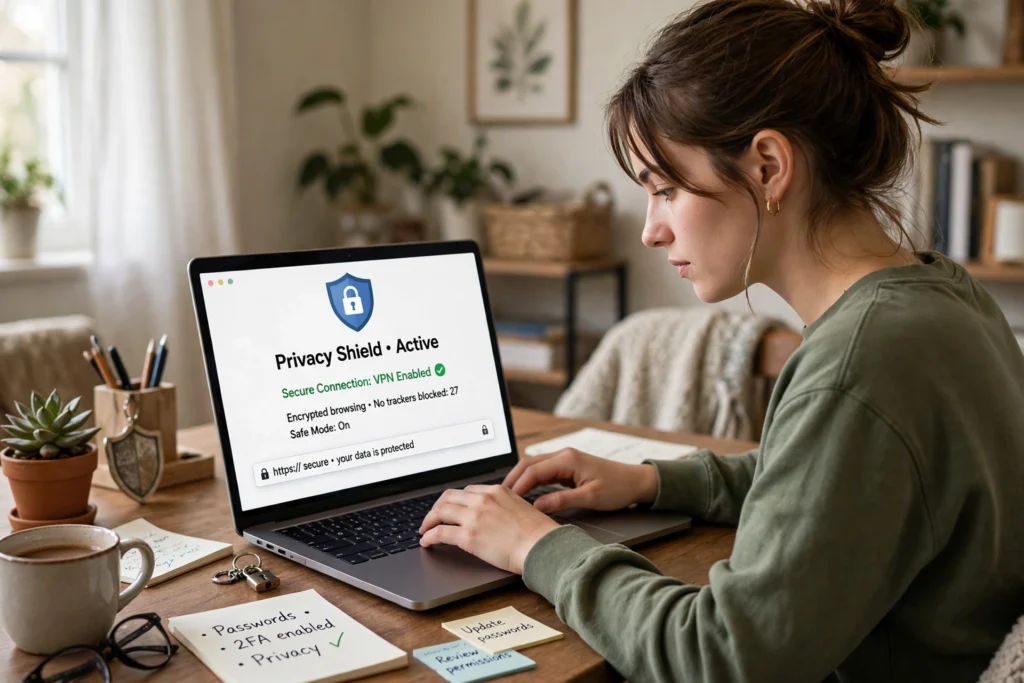
Your Personal Information Is Worth Protecting
Every day you share pieces of yourself online — photos, locations, birthdays, shopping habits, messages. Most of it feels harmless, but together it can reveal far more than you intended: where you live, when you are away from home, even answers to your password-reset questions. Scammers and data brokers collect exactly these details.
Online privacy for beginners is not about disappearing from the internet or becoming a tech expert. It is about a handful of simple habits that close the easiest doors into your accounts and your life. This guide gives you seven steps, in order of impact, that anyone can set up in an afternoon.
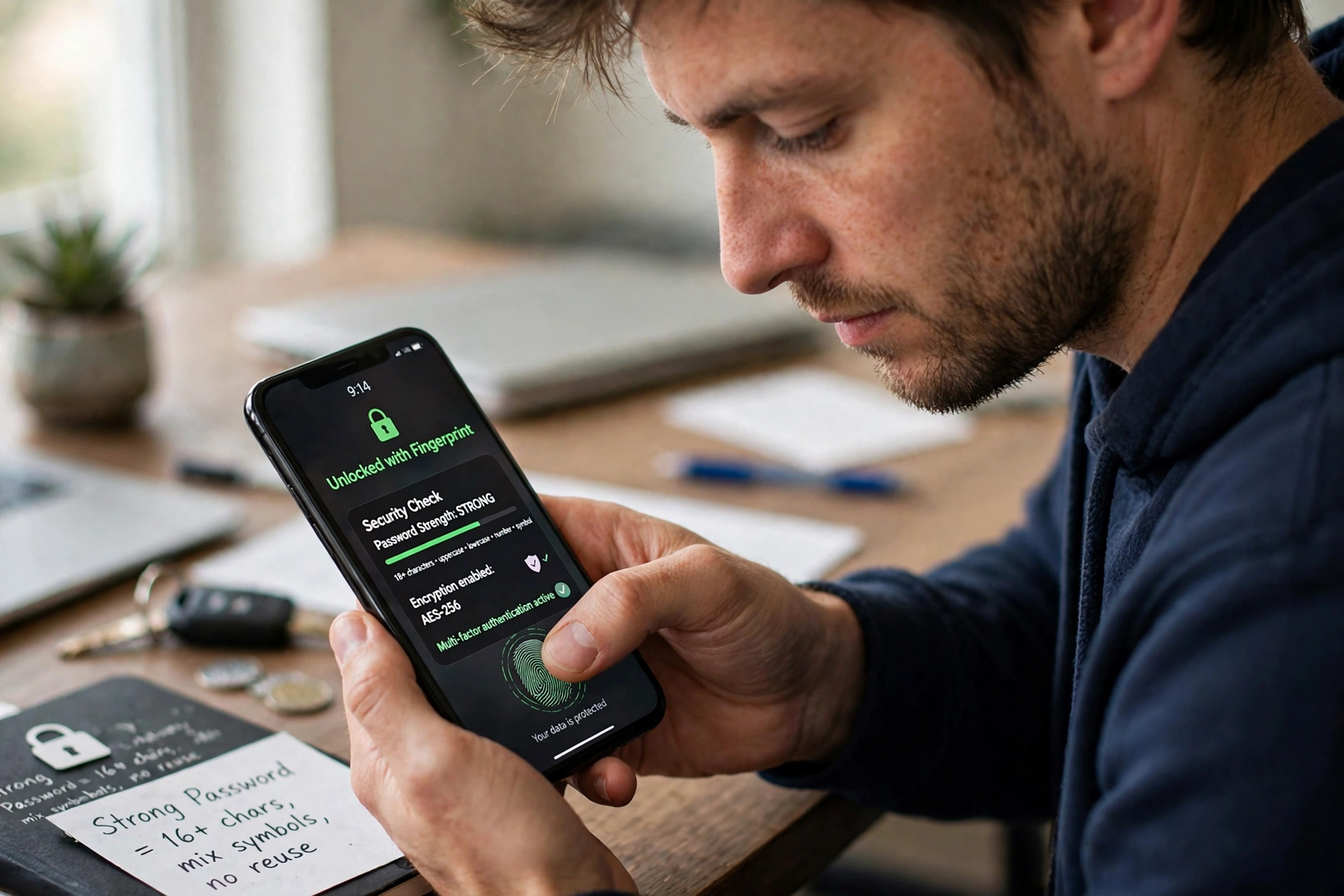
1. Use Strong, Unique Passwords — and a Password Manager
Weak or reused passwords are the most common way accounts get taken over. If one site leaks your password and you used it everywhere, every account is at risk.
- Use a different password for every important account, especially email and banking.
- Make passwords long: a passphrase of several unrelated words is both strong and memorable.
- Avoid birthdays, pet names, and “123456”.
- Use a password manager (such as Bitwarden or 1Password) to generate and store complex passwords — then you only need to remember one strong master password.
2. Turn On Two-Factor Authentication (2FA) Everywhere
Two-factor authentication adds a second step to logging in — usually a code from an authenticator app or your phone — so a stolen password alone is not enough to get in. Enable it first on your email, banking, social media, and cloud storage accounts, then everywhere else it is offered. Authenticator apps are generally safer than text-message codes, but any 2FA is far better than none. See these practical ways to stay cybersafe for more habits you can add today.
3. Keep Your Software Updated
Updates are not just new features — they contain security patches that fix holes attackers exploit. Turn on automatic updates for your phone, computer, apps, and browser, and do not ignore update prompts. Running updates on your trusted home connection, before you travel, means your defences are up before you ever join a public network.
4. Learn to Spot Phishing
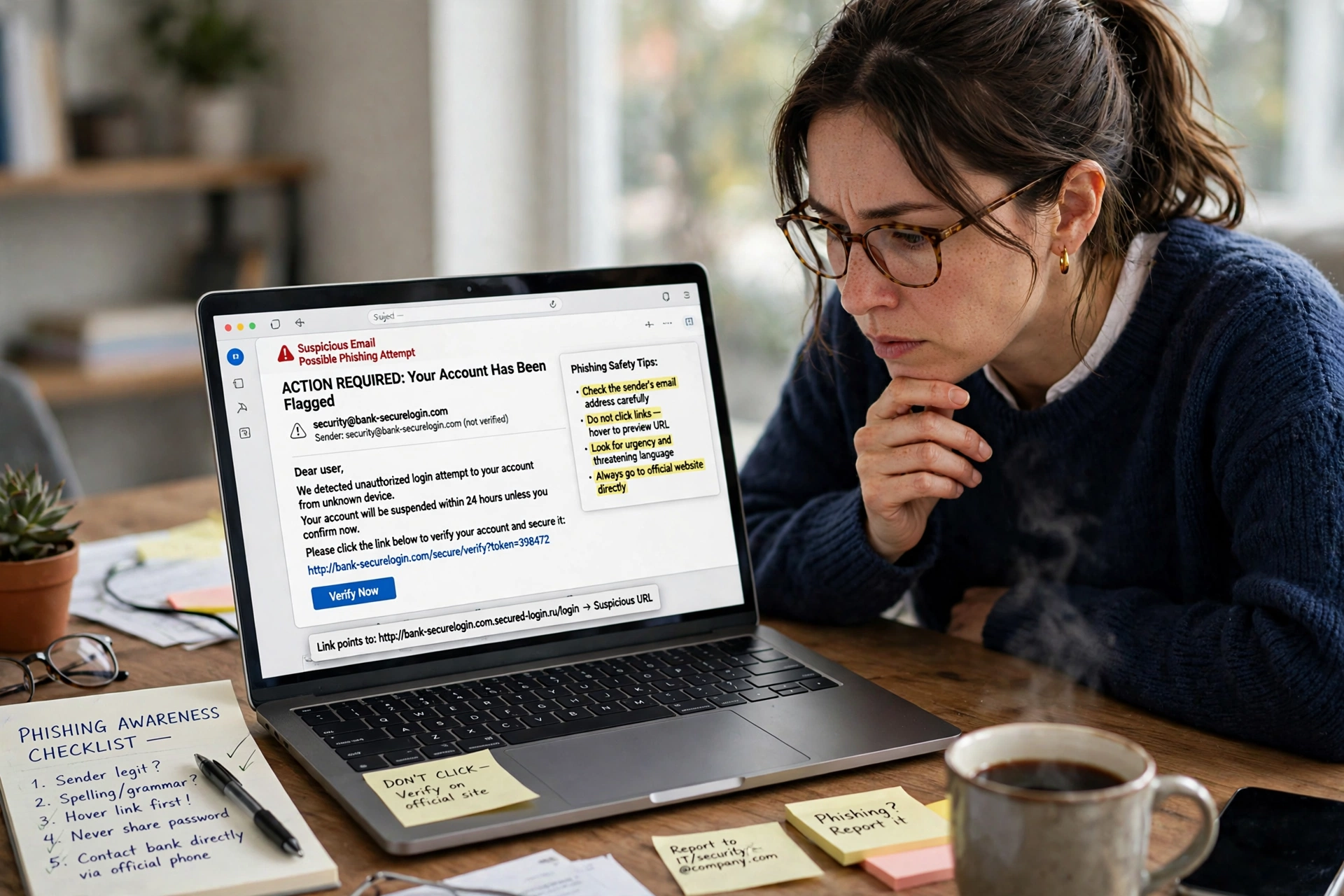
Phishing messages pretend to be your bank, a delivery company, or even someone you know, and try to trick you into clicking a link or sharing details. Watch for:
- Urgent language (“your account will be closed today”)
- Spelling errors or odd sender addresses
- Links that look almost right — a lookalike domain is not the real site
- Requests for passwords, codes, or payment details
If something feels off, do not click or reply. Contact the organisation directly using details you already know are genuine, not the ones in the message.
5. Review Your Privacy Settings and Think Before You Share
Before posting a photo, check what is in the background: house numbers, street names, car plates, or work badges can all give away personal details. Avoid posting that you are away from home until you have returned, and avoid sharing your full birthdate, address, or school details publicly — criminals use these to guess passwords and security answers.
Take a few minutes to review privacy settings on each platform: keep accounts private where possible, limit who can see your posts, and turn off location history and ad personalisation you do not want. These small checks are the heart of online privacy for beginners: you decide what the internet knows about you. Learning to protect your online privacy starts with these small checks.
6. Check App Permissions
Apps often ask for more access than they need. A weather app does not need your contacts or microphone. On your phone, go to Settings, then Apps or Privacy, and review permissions for location, camera, microphone, and contacts. Remove access that is not necessary, especially for apps you rarely use, and delete apps you no longer need at all.
7. Be Careful on Public Wi-Fi
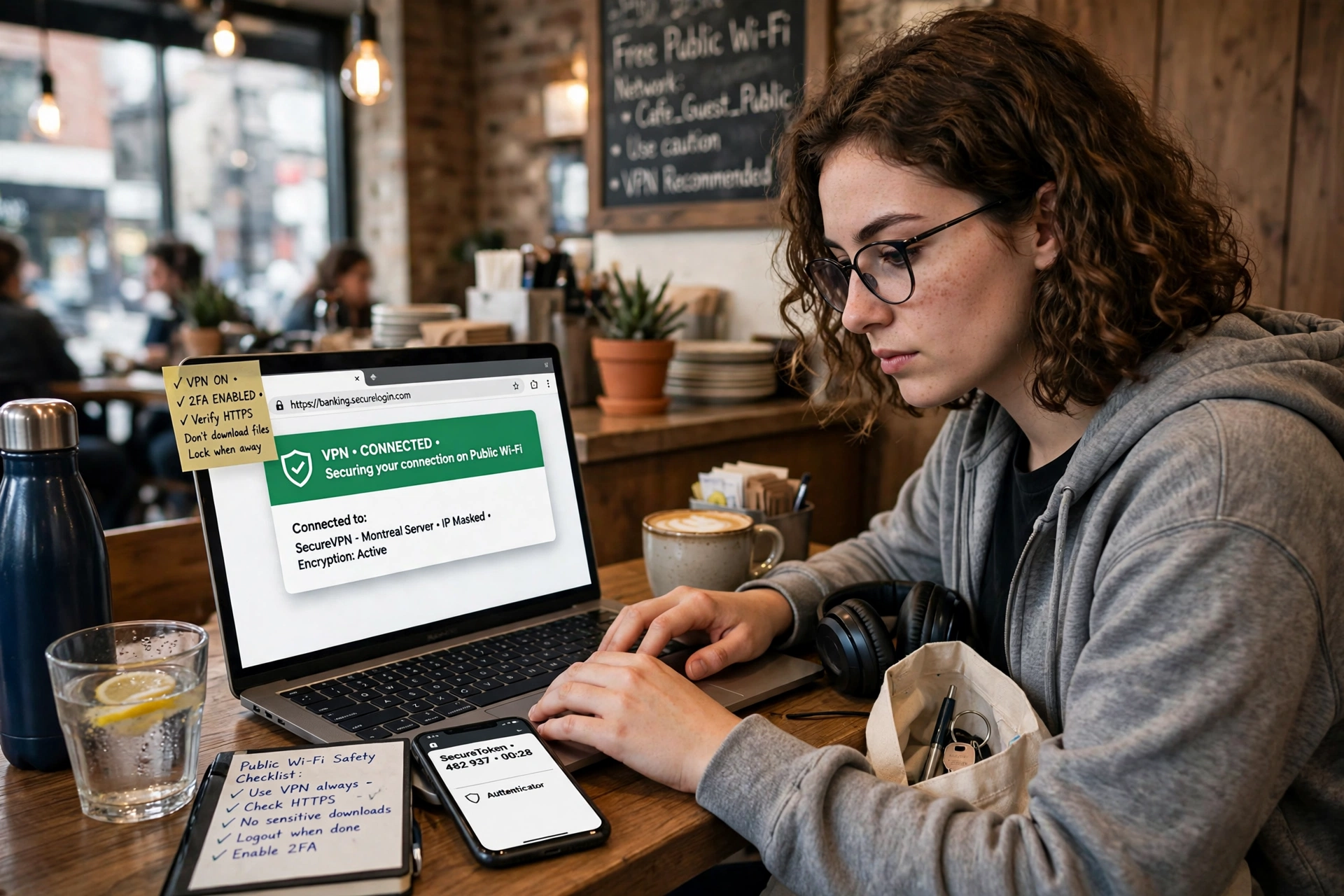
Free Wi-Fi in cafés, airports, and hotels is convenient but often insecure. On public networks:
- Avoid banking and sensitive logins; use your mobile data instead when possible.
- Turn off auto-connect to open networks, so your phone does not silently join unknown hotspots.
- Turn off file sharing and set your device to not be discoverable.
- Use a reputable VPN for sensitive sessions, and be wary of free VPNs that may log your data.
- Never let a Wi-Fi sign-in page ask for another service’s password, payment details, or permission to install software — disconnect immediately if it does.
Following these rules makes online privacy for beginners practical even on the road.
If Something Goes Wrong
No habit makes you invincible, so online privacy for beginners also means knowing the recovery steps: change the affected password immediately (and any account that shared it), turn on 2FA, check whether your email appeared in a known data breach, and back up your important files regularly — to cloud storage, an external drive, or both — so ransomware or a lost device cannot take everything at once. If money is involved, contact your bank right away.
Online privacy for beginners is a set of small habits, not a single big fix. Start today with the two highest-impact steps — unique passwords and 2FA on your email — and add one step each week. A few afternoons of setup buys you years of quieter, safer time online.
For more beginner technology guidance, see our guides to “AI tools for beginners“, “ChatGPT prompts for beginners“, and “free AI tools for beginners” — and if the always-online life feels like too much, our “digital detox” guide shows how to step back without disappearing completely.